- Change the preferred language on your Workbench machine to English. This is the recommended option because it doesn’t require anything but changing the preferred language back to have Workbench in your language again.
- Override the Workbench language by importing the english.reg file. Use this option if you want to maintain the language on your machine but use Workbench in English.
- Make sure Workbench is closed.
- Make sure you are an Admin on your machine.
- Navigate to Local Disk (C:) > Program Files > Domo > Workbench.
- Open English.reg.
-
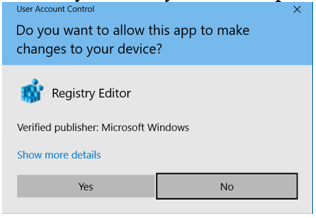
Choose Yes if you see a prompt like the following:
-
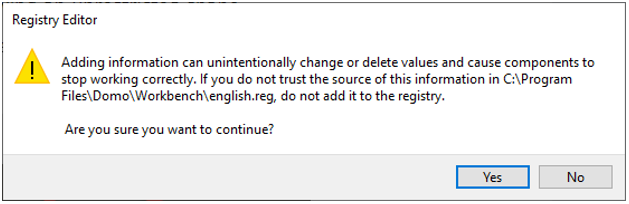
Choose Yes when asked if you are sure you want to continue.
-
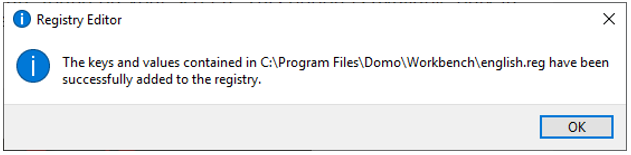
Click OK when you see the following prompt: