

Intro
Writing Beast Mode formulas can be complex and time-consuming, even for advanced users. The Beast Mode AI Assistant now enables you to leverage the power of AI to write formulas quickly.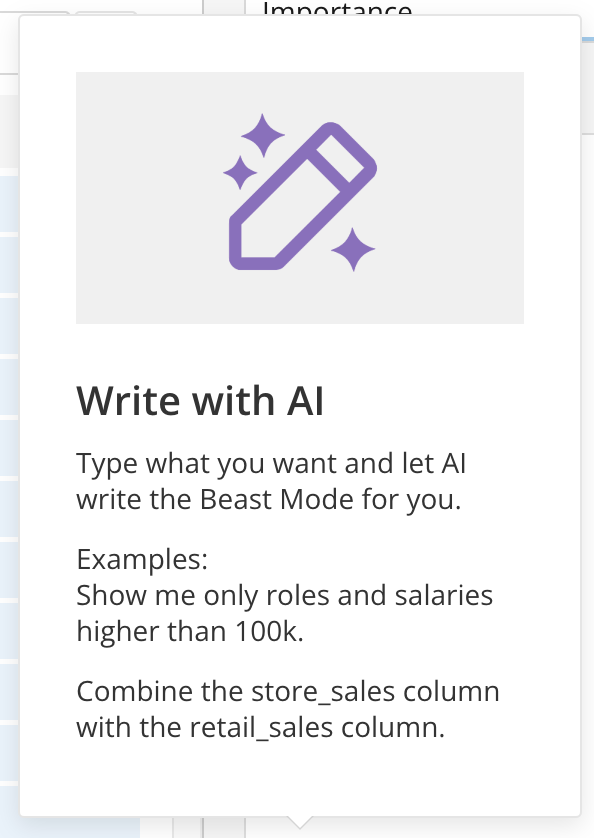
This article contains the following sections:
Permissions
The Beast Mode AI Assistant is available to users who have the Use AI Services grant enabled for their role. Learn about Managing Custom Roles.Use Beast Mode AI Assistant to Create a Formula
-
Open the Beast Mode Editor. You can access it from within Analyzer or from Beast Mode Manager. From within Analyzer, select Create Calculated Field in the DataSet panel.
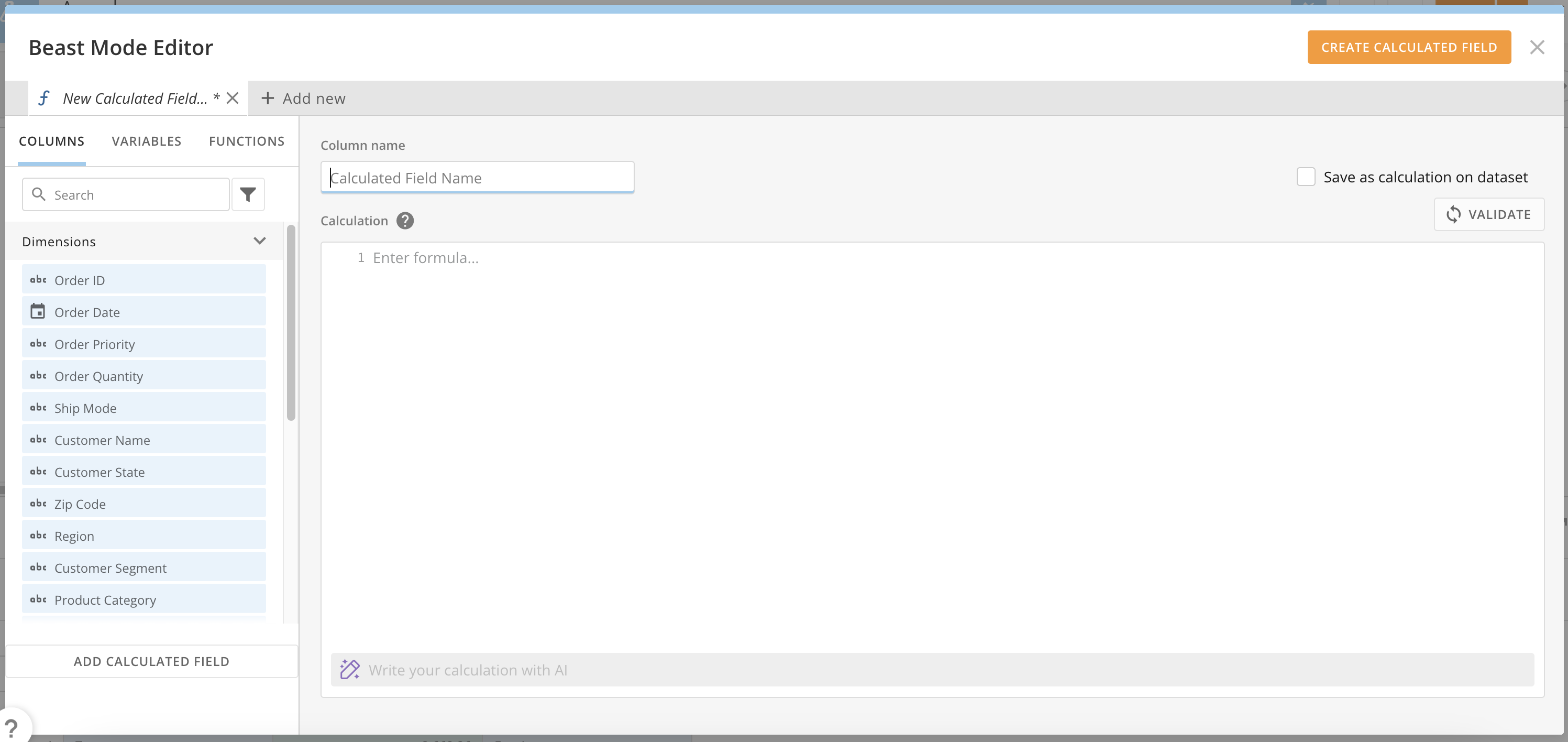
- In the Column name field, enter a name for your calculation.
-
Near the bottom of the editor, enter a request for a Beast Mode calculation in natural language in the AI prompt line. In this example, we entered “Create a calculated field where if the order priority is Critical or HIgh it becomes Important, otherwise it’s Not Important.”
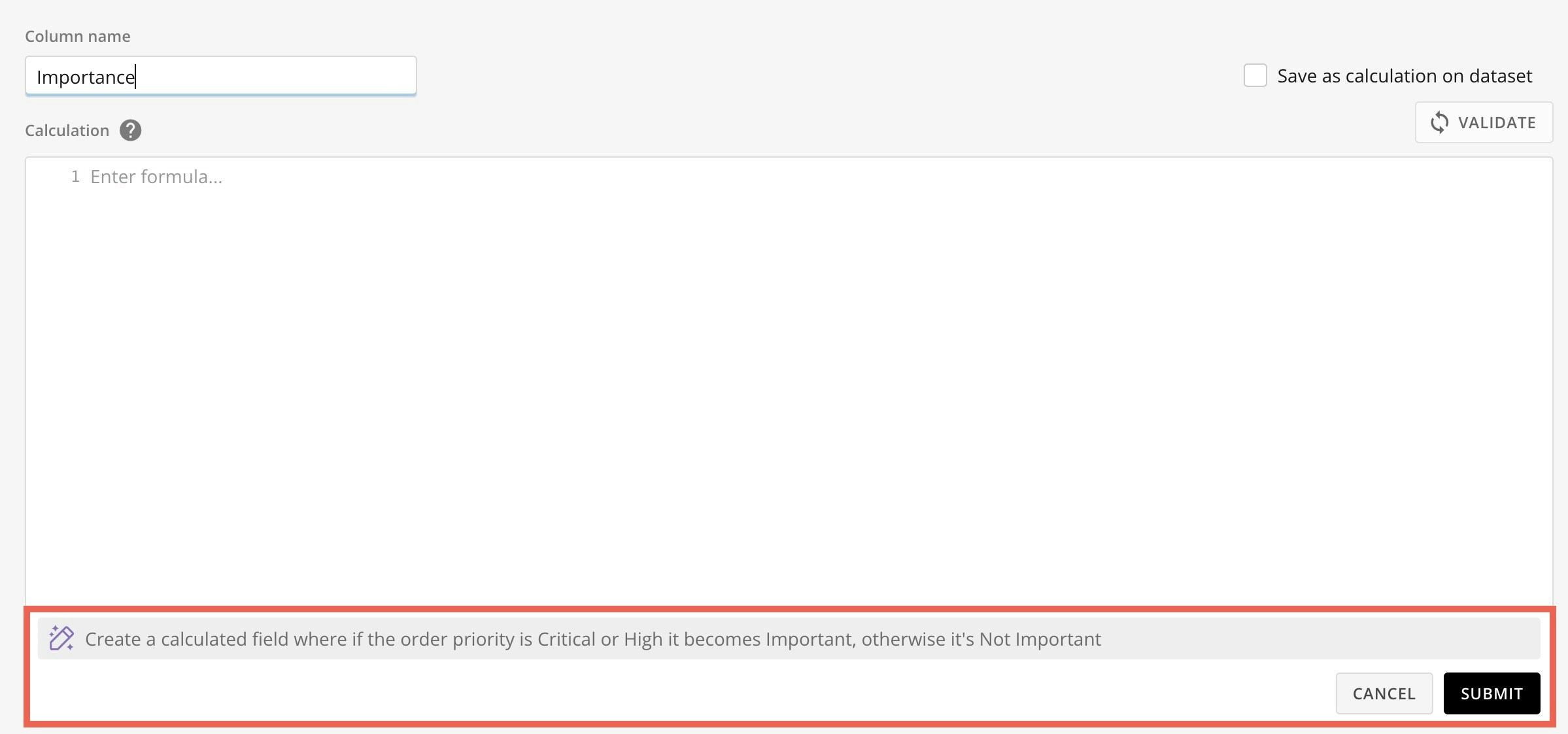
- Select Submit.
-
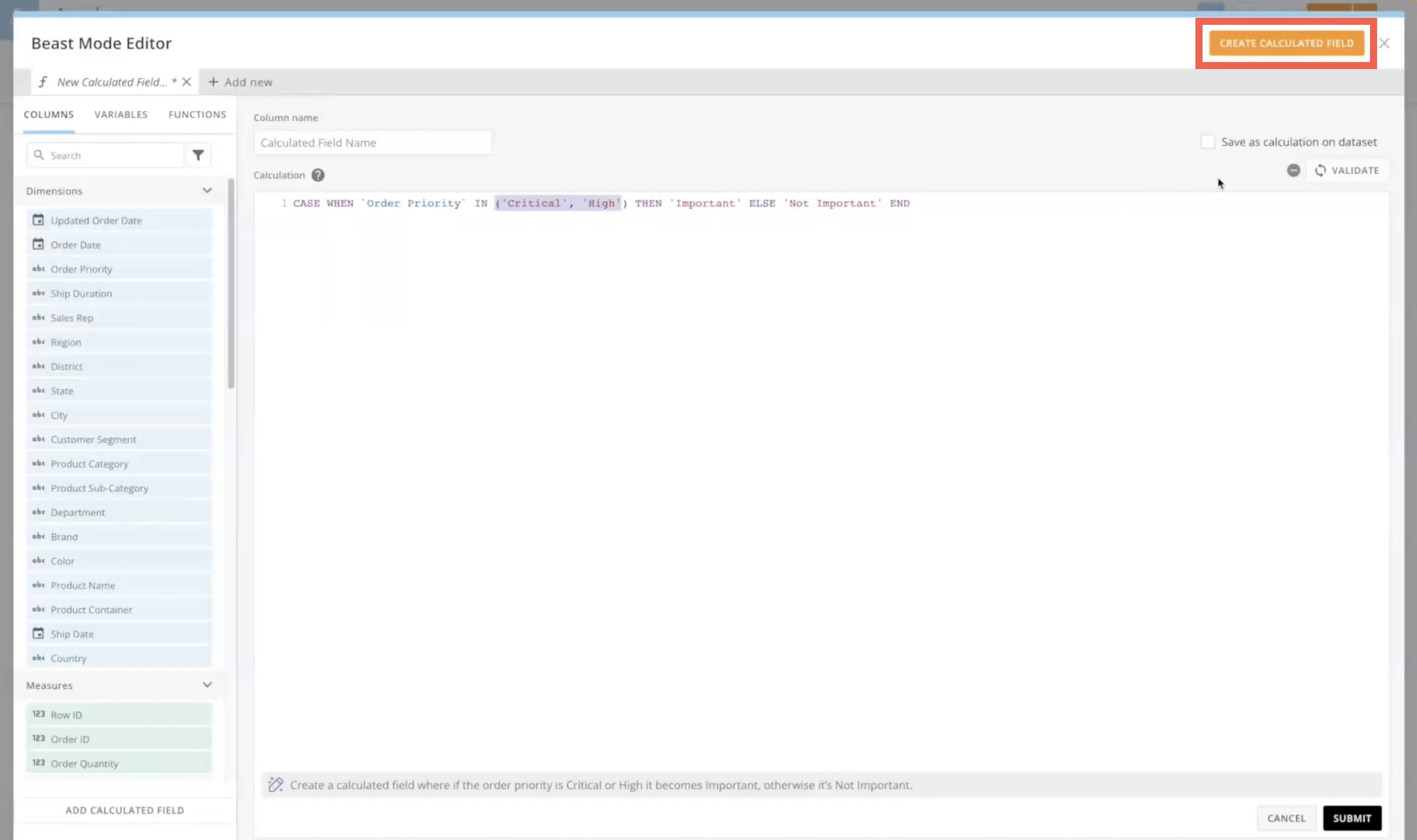
Review the formula. If it is valid, select Create Calculated Field.
FAQ
Do we send all the data to the AI Service like other AI chatbots?
Do we send all the data to the AI Service like other AI chatbots?
No, we only send the DataSet schema (field names and types) within the AI prompt. This allows the AI model to use and include the columns in the calculation that it returns.
Will the Text-to-Calculation** **prompt return a perfect Beast Mode calculation every time?
Will the Text-to-Calculation** **prompt return a perfect Beast Mode calculation every time?
No. Because we are prompting an AI Service, results may vary. This tool is meant to help users generate Beast Mode calculations to use in their visualizations. Some modifications may be needed to ensure the correct results.