Intro
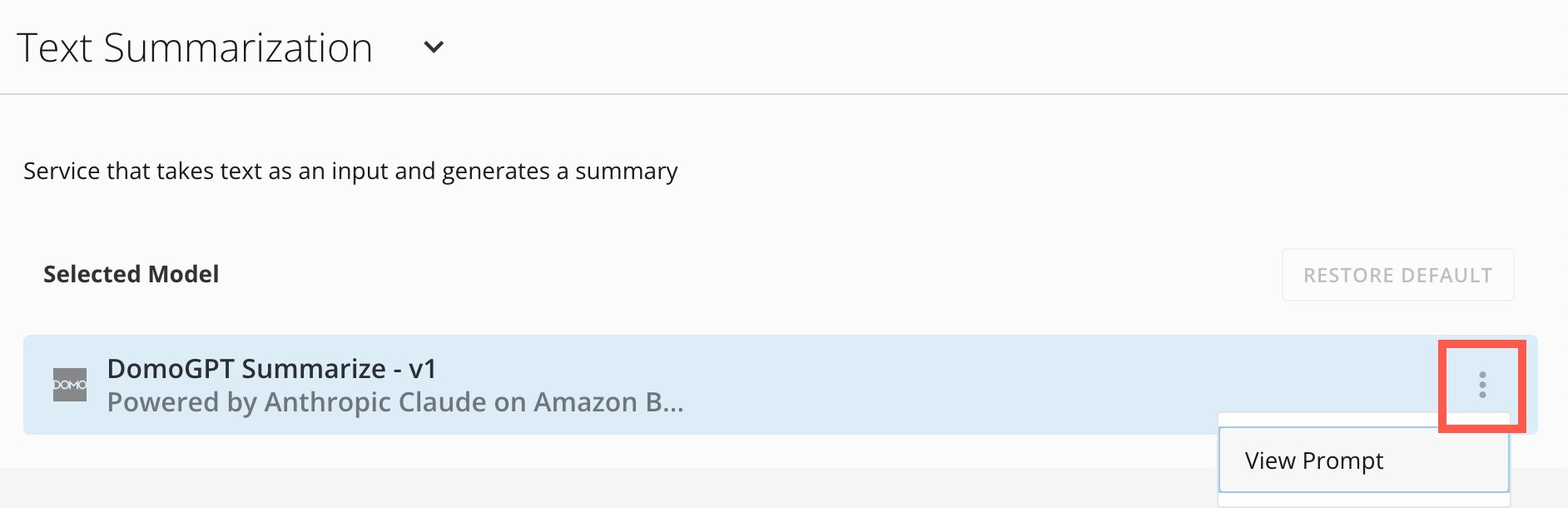
Domo admins have access to the AI Service Layer settings. Here they can view details about the Domo Default Model for each available service. The available AI services are described below. You can use these services in Jupyter Workspaces, Domo apps, Domo Bricks, and Workflows. Text-to-SQL This service accepts text and DataSet metadata, such as the schema, as input and generates SQL. Text Generation This service acts as an ask-and-answer. Enter a question into the input parameter and the service returns an answer. Text-to-Beast-Mode This service accepts text input and returns operative Beast Mode calculations. Text Summarization This service accepts text input and generates a summary of the text.Access AI Service Layer Settings
Access the settings from the navigation header by selecting More > Admin. The Admin Settings display. In the AI Service Service Layer menu, select Services. On the Services page, select the dropdown and choose from the available services.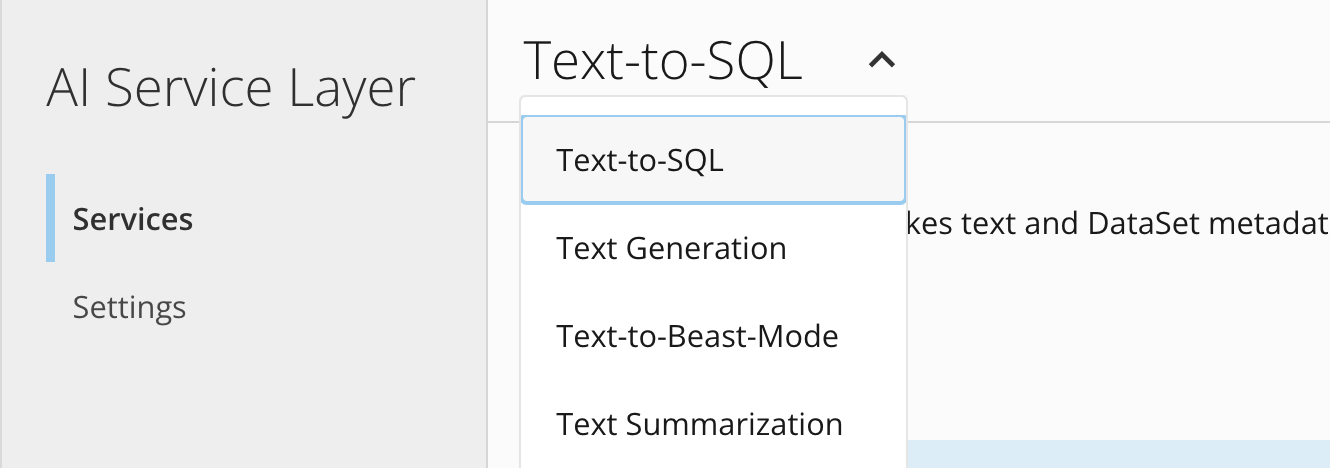
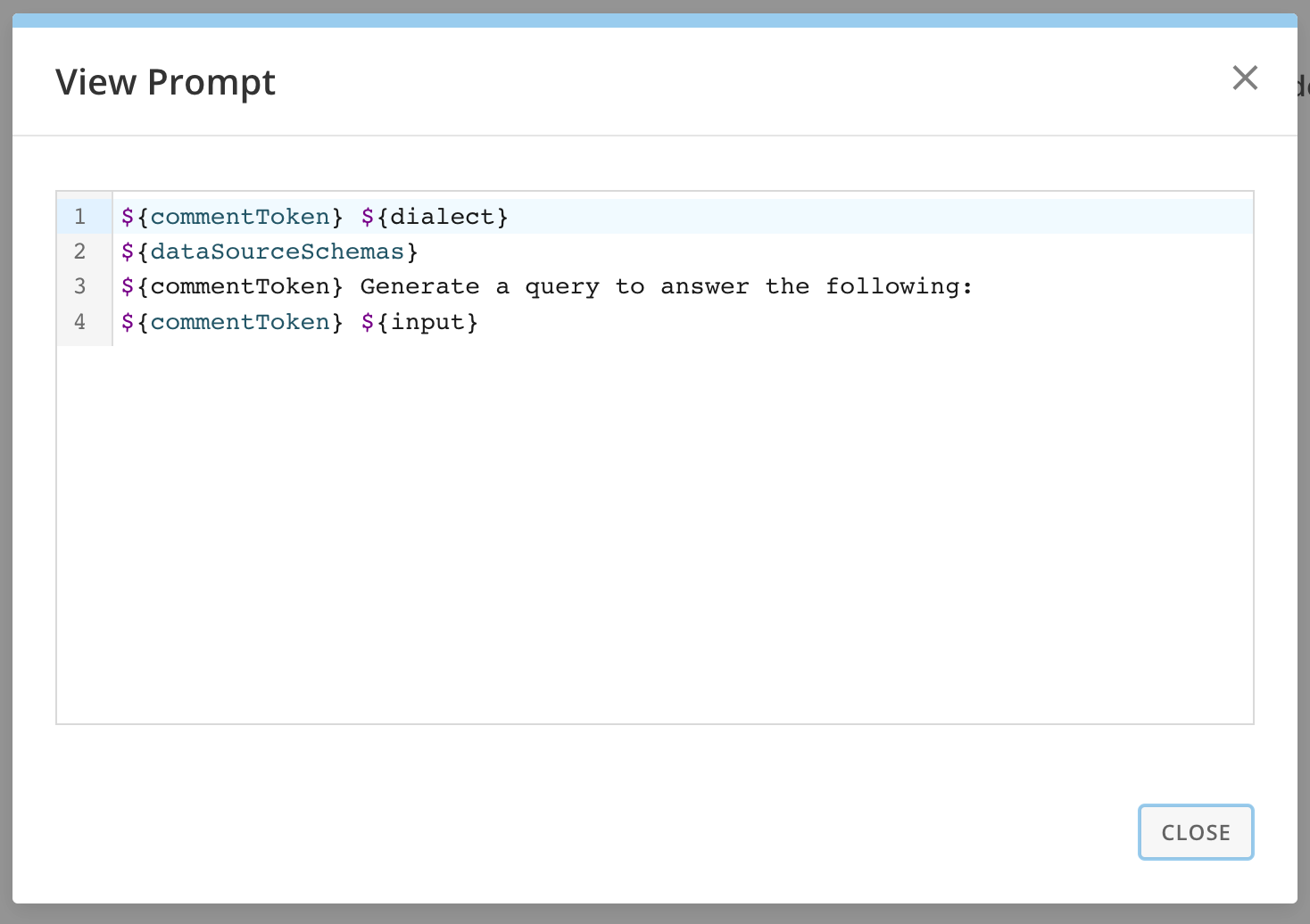
 More > View Prompt to display the prompt for that service.