Nehmen Sie an der AI + Data Tour teil und profitieren Sie von praktischen Schulungen, echten Kundengeschichten und dem Austausch mit Domo-Produktexperten in Ihrer Nähe.
Jetzt registrieren
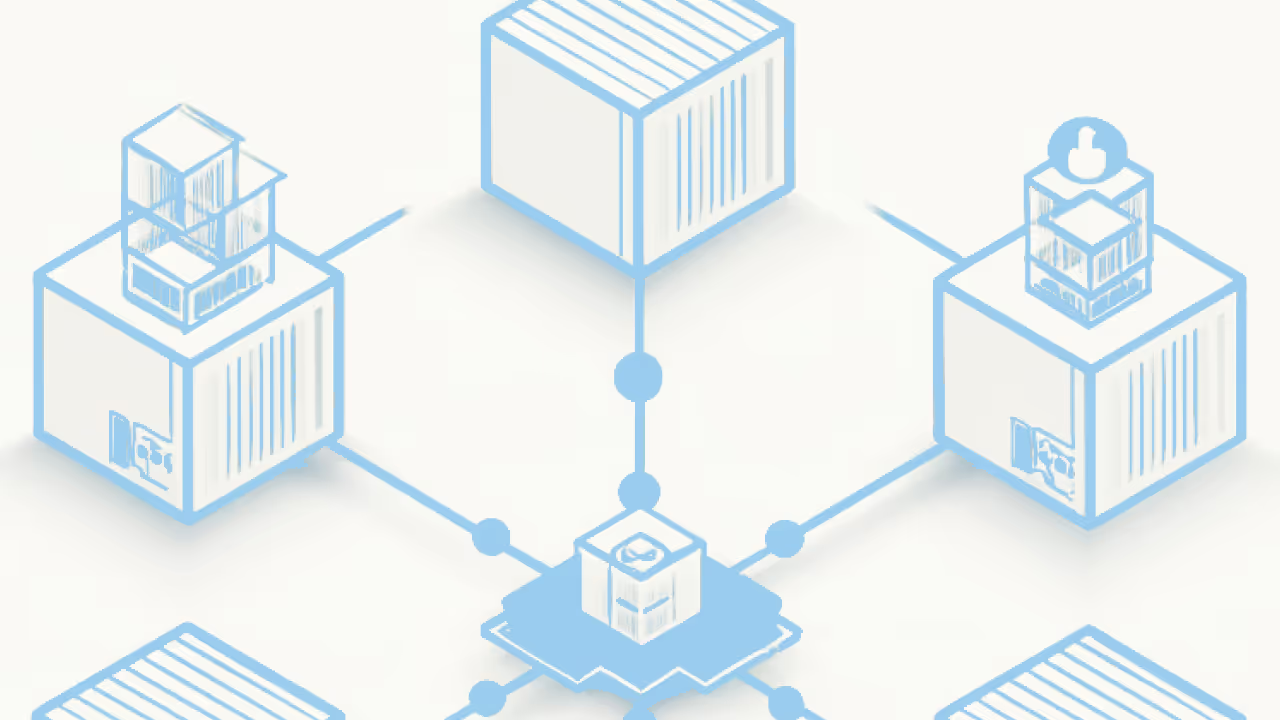

Container orchestration handles three core challenges for teams running containerized applications: deciding where containers run across distributed infrastructure, managing how they communicate with each other, and automating recovery when failures occur. The global container orchestration market is projected to reach $2.6 billion by 2031, according to KBV Research. That figure reflects how central automated infrastructure has become to modern software delivery. This guide explains the reconciliation loop, compares major platforms, and provides an annotated Kubernetes manifest alongside a day-2 operations checklist.
These points summarize the main ideas from this guide.
Container orchestration is the process of automating and managing the lifecycle of containers across distributed infrastructure. At its heart sits a continuous reconciliation loop. You declare the desired state (how many replicas, which resources, what network configuration), and the control plane constantly compares actual state to desired state, taking corrective action whenever they diverge.
Without orchestration? Managing more than a handful of containers means writing custom scripts, manually configuring networks, and constantly checking for issues. With orchestration, those tasks are built into a system that does the heavy lifting for you.
The core automation tasks include:
Running containers on a single machine is a great starting point. Orchestration allows you to run containers across multiple machines, coordinate their behavior, and ensure everything stays connected and healthy in production.
Understanding where orchestration fits in the container ecosystem helps clarify what it does and doesn't handle.
The runtime runs containers. The orchestrator decides where, when, and how many. The registry stores the images those containers are built from.
Yes. Kubernetes schedules pods (groups of one or more containers) onto nodes, maintains desired state through continuous reconciliation, provides service discovery and networking, and handles rollouts and rollbacks. A pod is the smallest deployable unit in Kubernetes. It can contain a single container or multiple containers that share storage and network resources and need to run together.
Container orchestration becomes especially important in a microservices setup, where applications are made up of many independent components.
{{custom-cta-1}}
Container orchestration offers benefits other than task automation. From reducing manual effort to improving uptime, orchestration supports the systems behind your apps so people can focus on building, testing, and shipping.
Each benefit comes with a corresponding cost. Understanding both helps set realistic expectations.
For engineering leaders evaluating orchestration, the practical improvements matter more than feature lists. Teams running orchestrated environments typically experience fewer pages during off-hours because self-healing handles common failures automatically. Rollbacks become a single command rather than a scramble. Release cycles shorten because deployments are repeatable and testable. New team members onboard faster because environments are documented as code rather than tribal knowledge.
The reconciliation loop is the fundamental mechanism. Here's how it flows:
Consider what happens when a node dies in a three-replica deployment. The controller detects that only two of three desired replicas are running. The scheduler identifies a healthy node with sufficient resources. A replacement pod is scheduled and started on that node. Service routing automatically directs traffic away from the dead pod and toward healthy ones. The entire sequence happens without human intervention, typically within seconds to minutes depending on configuration.
{{custom-cta-2}}
Most production orchestration uses declarative configuration because it's auditable, version-controllable, and self-documenting. Mixing imperative commands with declarative manifests in production causes drift between what's running and what's defined in source control. That mistake can create repeated problems for teams.
These terms make the rest of the guide easier to follow.
Orchestration systems decide where to place containers based on available resources like CPU, memory, or node constraints. The scheduler assigns workloads to the most appropriate environment, optimizing performance and avoiding overload. Advanced schedulers can also account for affinity rules (keeping certain containers together) and anti-affinity rules (spreading containers across failure domains for resilience).
As containers spin up or down, orchestration tools manage internal networking so services can find each other automatically. They also handle traffic routing to make sure requests are evenly distributed across healthy containers.
If a container crashes or becomes unresponsive, the orchestration system can detect the issue and restart, reschedule, or replace it. No manual intervention required. Liveness probes check whether a container is running; readiness probes determine whether it's ready to accept traffic. These automatic recovery actions help keep applications available without hands-on monitoring.
Based on demand or predefined thresholds, orchestration tools can automatically scale containers up or down. Horizontal pod autoscaling adjusts replica counts based on CPU, memory, or custom metrics. Vertical pod autoscaling adjusts resource requests and limits. Cluster autoscaling adds or removes nodes when the cluster needs more or less capacity.
Most orchestration workflows rely on declarative configuration files, typically written in YAML Ain't Markup Language (YAML) or JavaScript Object Notation (JSON), that define how applications should run. What images to use, how many replicas, which ports to expose. This declarative approach means you describe the end state, and the orchestrator figures out how to get there.
The AI Overview for container orchestration queries often references "a basic Kubernetes configuration file" as a follow-up topic. Here's what that looks like in practice.
# deployment.yaml apiVersion: apps/v1 kind: Deployment metadata: name: web-app labels: app: web-app spec: replicas: 3 # Desired state: 3 pods running at all times selector: matchLabels: app: web-app template: metadata: labels: app: web-app spec: containers: - name: web-app image: myregistry/web-app:v1.2.3 # Specific version tag, not 'latest' ports: - containerPort: 8080 resources: requests: # Minimum resources guaranteed memory: "256Mi" cpu: "250m" limits: # Maximum resources allowed memory: "512Mi" cpu: "500m" readinessProbe: # Is the container ready for traffic? httpGet: path: /health port: 8080 initialDelaySeconds: 5 periodSeconds: 10 livenessProbe: # Is the container still alive? httpGet: path: /health port: 8080 initialDelaySeconds: 15 periodSeconds: 20 --- # service.yaml apiVersion: v1 kind: Service metadata: name: web-app-service spec: selector: app: web-app ports: - protocol: TCP port: 80 # External port targetPort: 8080 # Container port type: ClusterIP # Internal cluster access only
The replicas field sets the desired state that the controller enforces. If a pod crashes, the ReplicaSet controller detects the drift (two running vs three desired) and schedules a replacement.
Resource requests and limits prevent any single workload from starving others. Requests guarantee minimum resources; limits cap maximum consumption. Setting limits too low is how containers get OOMKilled, and teams spend hours debugging what looks like application instability but is actually just resource starvation.
Readiness and liveness probes give the orchestrator visibility into container health. A failing readiness probe removes the pod from service traffic. A failing liveness probe triggers a container restart. Probes that return healthy when the application isn't actually ready to serve requests? That's where things get messy.
These are the first settings to adjust before using this configuration in production.
To apply this configuration: kubectl apply -f deployment.yaml -f service.yaml
To watch the rollout: kubectl rollout status deployment/web-app
Other orchestrators use similar declarative approaches. Docker Swarm uses stack files (also YAML-based). HashiCorp Nomad uses HashiCorp Configuration Language (HCL) job specifications. The syntax differs, but the principle remains consistent.
Not every containerized application requires a full orchestration platform. The decision depends on your scale, reliability requirements, and team capacity.
These signs point to a setup that benefits from automated scheduling, scaling, and recovery.
These conditions usually point to a simpler setup that is easier to run.
A practical rule of thumb: if you run containers on more than one host and need automatic recovery, start evaluating an orchestrator. If you're on a single host with straightforward workloads, Docker Compose or managed container services (Cloud Run, ECS Fargate, Azure Container Instances) may be sufficient and significantly simpler to operate.
Between "no orchestration" and "full Kubernetes" sit several middle-ground approaches. Docker Compose handles multi-container applications on a single host with simple YAML configuration. Managed container services like AWS Fargate, Google Cloud Run, and Azure Container Instances abstract away infrastructure entirely. You provide containers, they handle everything else. These options trade flexibility for reduced operational burden, which is often the right call for smaller teams or simpler workloads.
Kubernetes dominates the conversation. But several orchestration platforms serve different needs. Choosing the right tool depends on your team's expertise, infrastructure, and workload requirements.
Kubernetes. Cloud Native Computing Foundation (CNCF) survey data consistently shows it as the dominant platform, and every major cloud provider offers managed Kubernetes services. Its open-source nature, extensive ecosystem, and large talent pool reinforce its position. That said, "most popular" does not mean "right for everyone."
When evaluating platforms, consider these factors:
Docker Swarm makes sense when your team is already comfortable with Docker, your workloads are relatively simple, and you want a gentler learning curve. Smaller ecosystem, fewer advanced features.
Amazon ECS fits teams deeply embedded in AWS who want tight integration with other AWS services without managing Kubernetes infrastructure. AWS lock-in is the price.
HashiCorp Nomad stands out for organizations running mixed workloads. Not just containers, but also traditional applications, batch processing jobs, and even system services. Smaller community compared to Kubernetes, though.
Starting with a simpler tool and migrating later is a valid strategy.
Not every team wants to manage orchestration infrastructure directly. Containers as a service (CaaS) platforms offer a middle ground: the benefits of containerization without the operational overhead of running your own orchestration layer.
CaaS providers handle the control plane, node management, scaling, and often networking and security as well. Your team focuses on building and deploying applications while the provider handles infrastructure concerns.
These situations usually make a managed container option worth considering.
These conditions point to teams that need deeper control over the environment.
Examples of CaaS offerings include AWS Fargate (serverless containers on ECS or EKS), Google Cloud Run, and Azure Container Instances.
Teams across industries use container orchestration to solve practical challenges. Here are scenarios that illustrate how orchestration features map to business outcomes.
A national retailer uses horizontal pod autoscaling to manage Black Friday traffic. As online orders surge to 10x normal volume, backend services automatically scale from baseline capacity to handle the load. When traffic subsides, replicas scale back down. Without orchestration, the team would either overprovision year-round (wasting infrastructure spend) or scramble to manually add capacity during peaks (risking outages during the highest-revenue period).
A healthcare organization runs patient data processing on-premises, for Health Insurance Portability and Accountability Act (HIPAA) compliance, while analytics workloads run in the cloud. Container orchestration with namespace isolation and network policies ensures sensitive services cannot communicate with less-trusted workloads. Consistent deployment practices across both environments mean the same continuous integration and continuous delivery (CI/CD) pipeline works everywhere. Without orchestration, maintaining security boundaries and deployment consistency across hybrid infrastructure would require extensive custom scripting and manual verification.
An ecommerce platform uses rolling updates with automated rollback for payment processing services. New versions deploy to five percent of traffic initially. If error rates or latency spike, the orchestrator automatically rolls back to the previous version. If metrics stay healthy, the rollout continues progressively. This is where orchestration really earns its keep. Without it, the team would face a choice between risky big-bang deployments or complex manual canary processes that slow release velocity.
While container orchestration offers major benefits, production readiness requires attention to operational realities that come after initial deployment.
These are the issues teams most often need to plan for in production.
Understanding typical failure modes helps teams prepare for production.
Container security operates on a shared responsibility model.
Integrating with data governance tools extends visibility across your data and infrastructure landscape, helping maintain security posture as environments grow more complex.
Orchestration makes scaling easy. Sometimes too easy. Without guardrails, costs can spiral. Implementing resource quotas at the namespace level, monitoring spend with cloud provider tools, and integrating with cloud data integration practices helps maintain control. Regular right-sizing reviews (comparing resource requests to actual usage) often reveal significant optimization opportunities.
Container orchestration is increasingly central to AI and machine learning workflows. Training models, running inference at scale, and deploying AI-powered applications all benefit from the automation and resource management that orchestration provides.
AI workloads often have unique requirements: GPU access for training, burst capacity for batch processing, and low-latency scaling for inference endpoints. Orchestration platforms like Kubernetes now include features specifically designed for these use cases, including GPU scheduling through device plugins, custom resource definitions for ML frameworks, and integration with model serving tools.
Orchestration improves AI workflow reliability through several mechanisms.